ARC Raiders Cheats
Steam-focused build with aimbot tuning, player ESP, ARC and loot overlays, extraction markers, filters, and misc quality-of-life tools.

At a glance
Key capabilities
What ARC Raiders focuses on before you open the full module list.
Plus 35 additional modules in the operator portal—see the full list below.
Overview
ARC Raiders cheats for PC with layered, readable overlays
How this build fits ranked, Turbo, and patch-day workflows.
This build targets Steam players who want aim assistance plus player and world ESP: boxes, skeletons, squad names, ARC and loot markers, containers, salvage, and extraction routing. Filters and distance caps help you keep only the signal you need during a fight or loot pass.
Misc options cover FOV, zoom, crosshair, flashlight tweaks, and combat mode when you want overlays tuned for aggressive combat. Check arc-cheats--org.tazeenrooziroti.workers.dev support notes after patches before you rely on the same profile in a new build.
ARC Raiders on Steam rewards preparation: you move through hostile zones, track threats, and decide when to fight or rotate. This build groups aimbot, player and world ESP, loot filters, and extraction markers so you can read a raid without crowding the screen.
ARC Raiders cheats for PC — aimbot, player ESP & wallhack
Start with a conservative layout: enable distance caps, skeleton or box (not both at max), and tune aimbot FOV and smooth before you lean on automation. The product page lists every option so you can match the menu to what you actually use in a run.
ARC Raiders cheat features
The suite is organized into aimbot, player visuals, ARC and world visuals, loot and containers, extraction, and misc quality-of-life (FOV, camera, crosshair, combat mode). Use filters for loot rarity and type, cap max distance per category, and toggle combat mode when you want a cleaner world readout.
Steam PC compatibility
ARC Raiders via Steam on supported 64-bit Windows builds is the only target for this listing. Confirm portal status after client patches—loader expectations can change with game updates.
Modules
What's included
Every module and overlay shipped with ARC Raiders—toggle and tune in the operator portal.
- Steam only
- Aimbot: enable, FOV, smooth, speed, stickiness
- Aimbot filters, bone selection, visible check
- Draw FOV, draw target line
- Player visuals: box, head circle, skeleton, view direction
- Weapon & level, distance, name, squad name
- Health bar, shield bar, OOF arrows, max distance
- World: ARC icons, ARC threat level, ARC corpses
- Loot with rarity & type filter
- Player corpses, field crate, salvage, containers
- Extraction points & icons, max distance
- Custom selection for containers, loot, ARC
- Misc: FOV changer, camera zoom
- Long-distance revive & consumable assist
- Flashlight brightness, full bright, flashlight color
- Custom crosshair, custom font size
- Combat mode (hide world ESP)
Experience
In the client · After you buy
Use the screenshots above for ARC Raiders—below is what each layer means and how access works after checkout.
In-game layers
- Layer A
In-raid readability
Balanced layout for combat and loot routing.
- Layer B
ESP overview
Player and squad readouts with distance and threat context.
- Layer C
World & ARC markers
ARC icons, containers, and distance caps in the world loop.
- Layer D
Raid atmosphere
In-raid world read with ARC-focused overlays.
- Layer E
ARC threats
Threat markers and distance context during exploration.
- Layer F
Combat & extract
Fight routing with world markers still readable.
- Layer 7
Misc & camera
FOV changer, zoom, crosshair, and related toggles.
- Layer 8
Setup walkthrough
Portal and loader steps covered in the setup guide.
Guides
Learn more about ARC Raiders
Curated articles for setup, tuning, and patch-day checks that match this product.
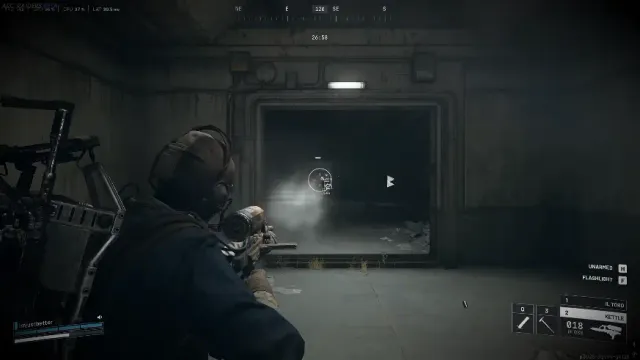
ARC Raiders cheats setup: portal download to first stable raid
Portal-first ARC Raiders cheats setup on Steam PC—download hygiene, overlay order, and a calm first session before you stack aimbot or ESP.
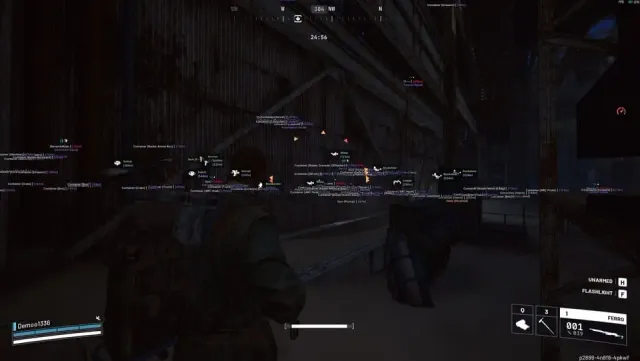
ARC Raiders aimbot guide: FOV, smooth, stickiness, and filters
ARC Raiders aimbot settings explained—FOV cone, smooth, stickiness, bone pick, visible check, and filters without generic shooter jargon.
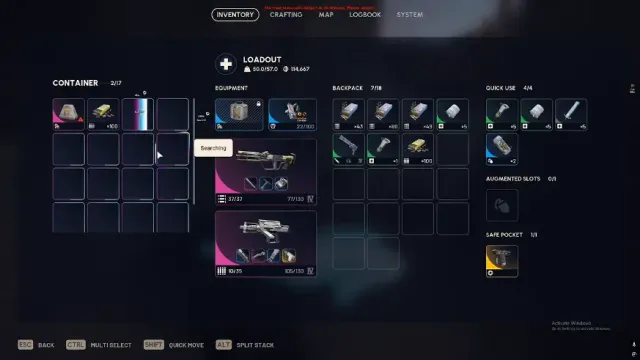
Player ESP for ARC Raiders: a readable box-and-tag stack
Build player ESP for ARC Raiders cheats—distance caps, box vs skeleton, squad tags, and off-screen arrows without HUD clutter.
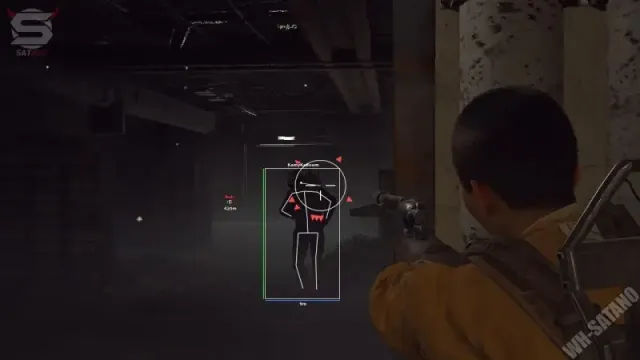
Loot and world ESP filters for ARC Raiders cheats
Tune loot rarity filters, container toggles, and ARC world markers for ARC Raiders ESP—readable routing without screen noise.
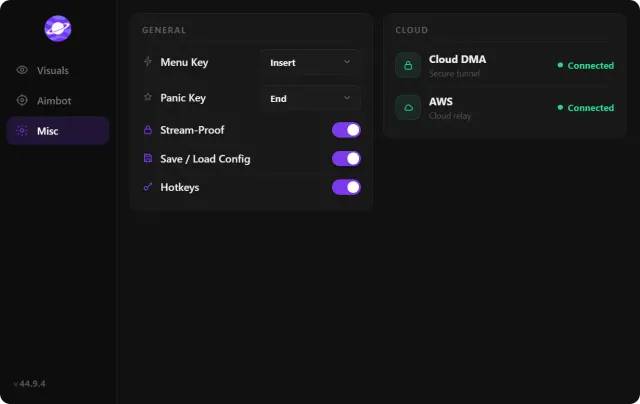
Extraction overlays and combat mode for ARC Raiders
Extraction point ESP, threat markers, and combat mode—keep exit routes visible under pressure with ARC Raiders cheats on Steam.
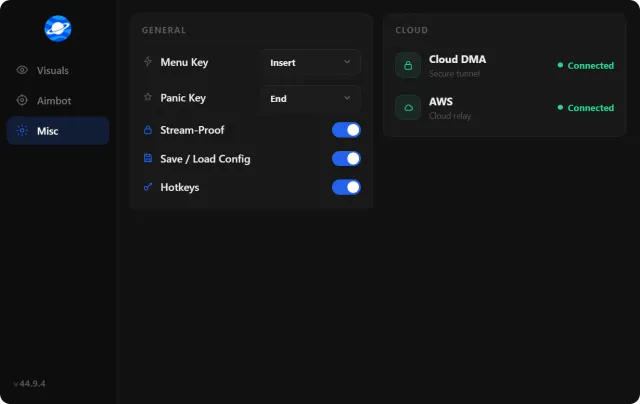
Misc ARC Raiders cheat options: FOV, crosshair, camera, flashlight
FOV changer, camera zoom, crosshair, full bright, and flashlight tweaks for ARC Raiders cheats—comfort layers that pair with combat profiles.
FAQ
Questions about this page
Answers tied to what you are reading — visit the FAQ page for every topic.